OPERATING SYSTEMS
Unit I: Introduction, Architecture & Strategies
PRESENTED BY
Eyad Khatab
Course: BCA – AI / ML
2026-09-28
What We Will Learn:
- System Software & Hierarchy
- Hardware vs Application OS
- Resource Abstraction
- 4 Key Execution Strategies
- CPU Scheduling Algorithms
- Process Lifecycle & States
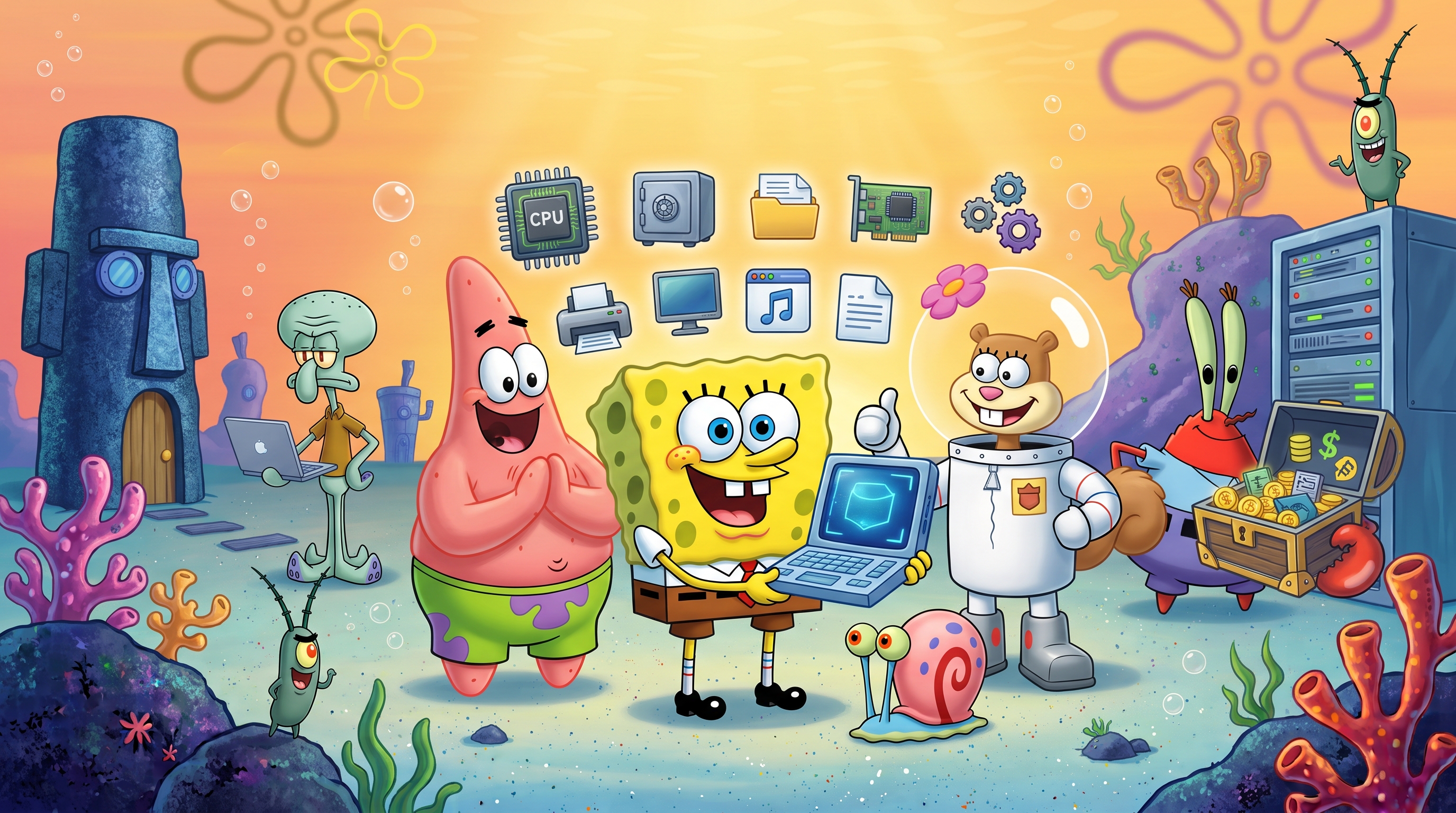
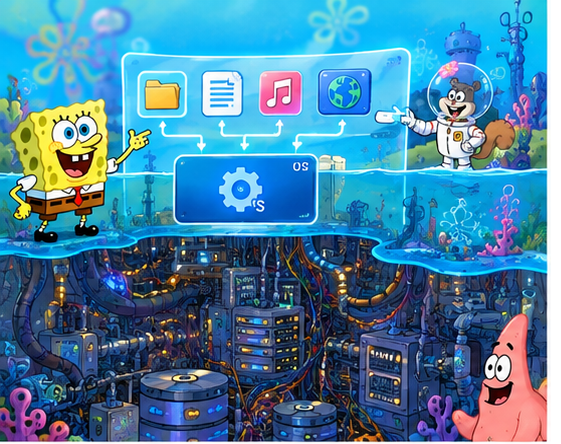
SpongeBob's OS Command Center
SpongeBob acts as the master OS coordinator, balancing CPU, Memory, and Storage for Bikini Bottom!
Agenda – Our Dive Route (9 Stops Ahead)
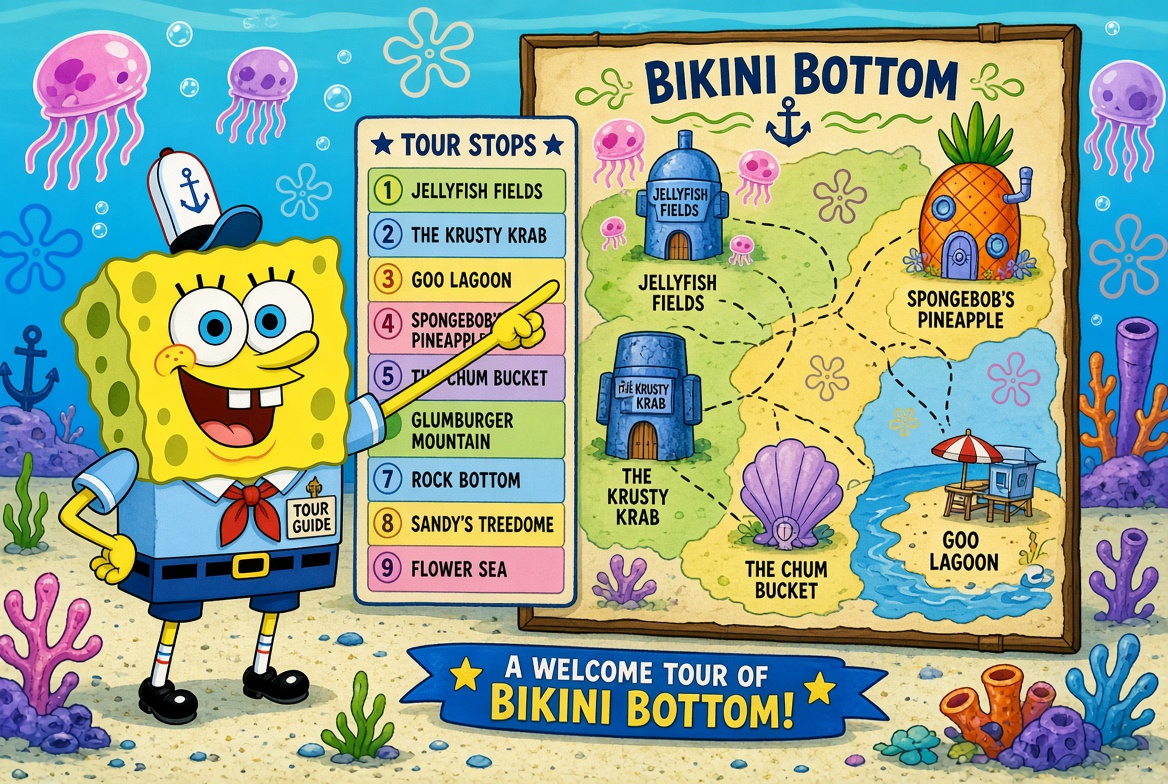
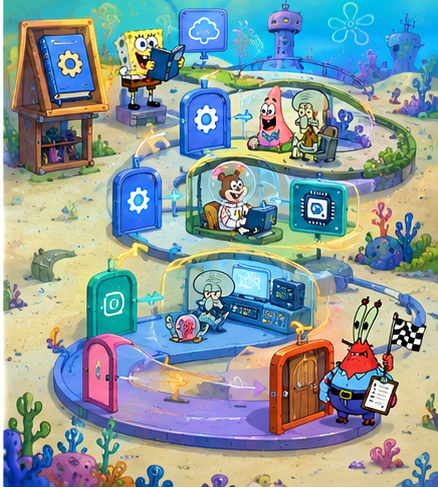
The Bikini Bottom Route Map
SpongeBob drives the boatmobile across 7 circular stops along the Bikini Bottom OS highway, with Patrick holding the map and Sandy ensuring technical accuracy!
What is an Operating System?
The boss fish of the whole computer reef
Formal Definition:
System software that manages computer hardware and provides an environment for application programs. It acts as an intermediary between users/applications and physical hardware.
Major OS Responsibilities:
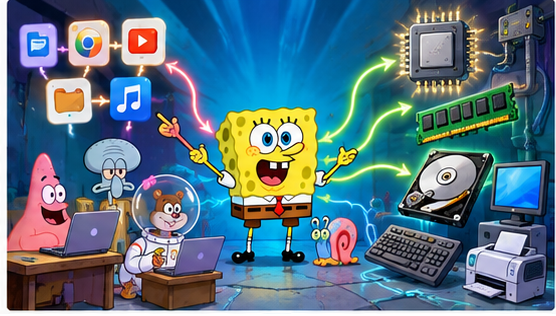
Visualizing the Intermediary Role
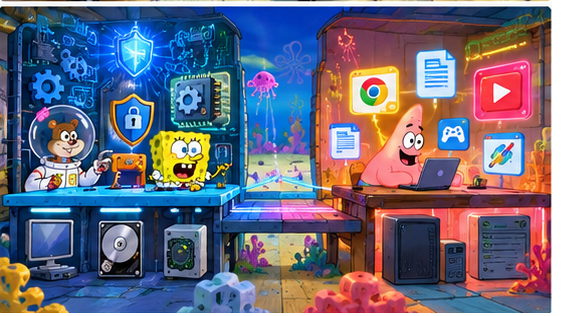
SpongeBob stands at a central control board directing traffic between user app requests (Squidward's music app) and raw hardware gears (CPU, RAM, Disks).
Security Guard:
Plankton tries to sneak past without permission, but the OS security barrier locks him out!
Computer Software Hierarchy
From the user at the surface... down to the hardware at the seabed
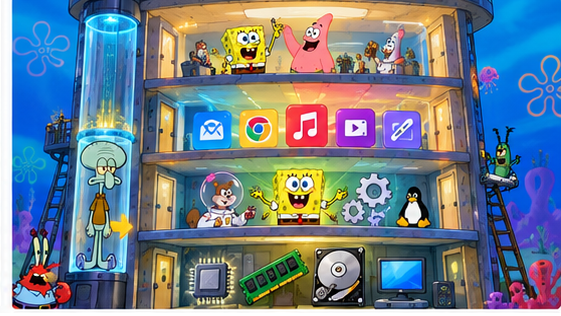
4-Story Underwater Glass Tower
Squidward rides a glass elevator through four levels. SpongeBob coordinates in the System Software level, ensuring applications never crash directly into raw hardware circuitry!
Components of System Software
Five crew members that keep the submarine running smoothly
Core manager of CPU, memory, storage, files, I/O devices, and security.
Translators that allow the OS to talk to hardware peripherals.
Assembler, Compiler, and Interpreter to translate high-level code to machine code.
Tools for system maintenance, backup, disk management, antivirus, and diagnostics.
Low-level control software stored permanently in non-volatile memory (BIOS / UEFI).
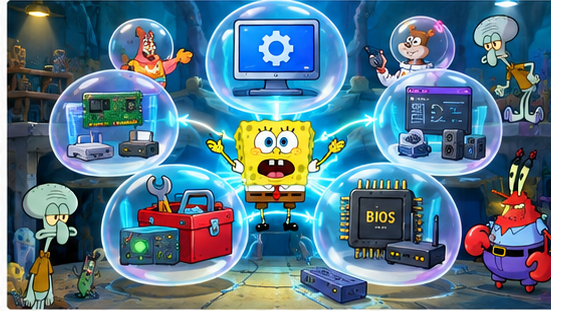
Operations Center with 5 Stations
SpongeBob coordinates the central OS hub, Sandy operates language translators, Mr. Krabs manages backup utilities, Squidward controls output devices, and Patrick carries a giant wrench for hardware utilities!
Device Drivers
The translators between the OS and every hardware gadget
Communication Pipeline:
Common Driver Examples:
- • Printer Driver
- • Graphics Card Driver
- • Network Adapter Driver
- • Audio / Sound Driver
The Repair Shop Scene
SpongeBob uses translating cables to connect the OS to giant printers and audio speakers. Patrick tries to bypass the driver and plug hardware straight into the OS—resulting in a funny shock!
Language Translators
Computers execute only machine instructions — somebody must translate!
1. Assembler
Translates low-level Assembly language directly into binary machine code.
2. Compiler (e.g., GCC, Clang)
Translates the entire source code program into machine code before execution.
3. Interpreter (e.g., Python, Ruby)
Translates and executes source code line-by-line dynamically during execution.
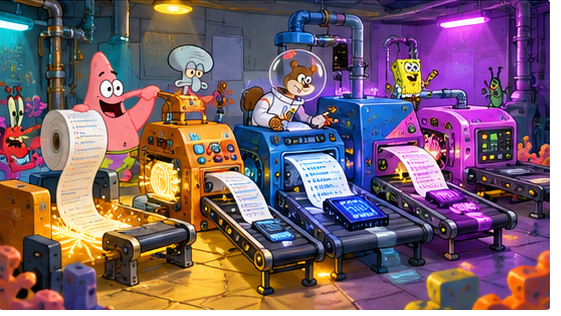
The Code Translation Factory
Sandy operates a massive Compiler machine that converts an entire batch of blueprint code into a finished machine binary, while Patrick feeds line-by-line tape into an Interpreter machine!
Resource Abstraction – Meaning
Hide the scary machinery, show a friendly button
Definition:
Abstraction is the technique where the OS hides the complex physical details of hardware and presents simple, logical high-level interfaces to application programs.
Example Code Abstraction:
read(file) → write(file) → close(file)
Applications request simple operations without needing to know physical magnetic tracks, arm movements, or controller interrupts!
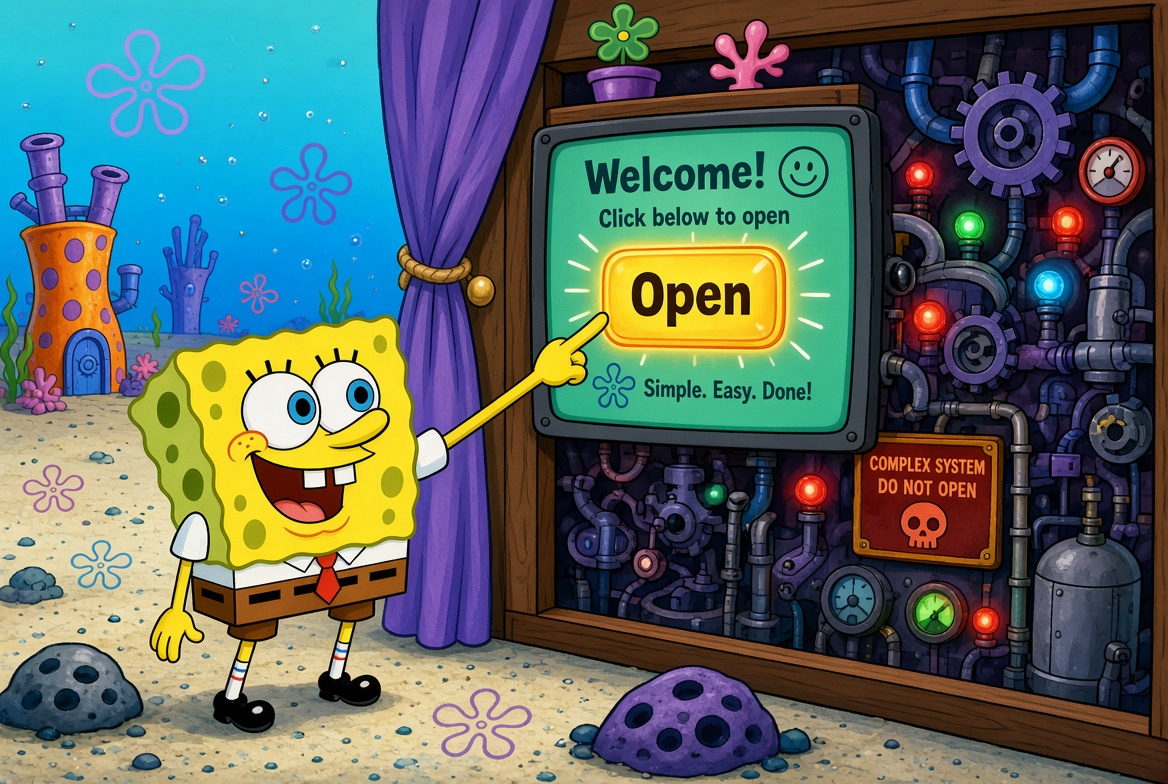
Glass Abstraction Barrier
SpongeBob stands in front of a clean control box with one glowing "OPEN" button. Sandy pulls back a curtain revealing a chaotic mess of cables, gears, and spinning disks behind the smooth interface!
Why is Abstraction Needed?
Because nobody wants to talk to a disk controller at breakfast
What Apps Do NOT Need to Know:
- ❌ Which physical disk sector holds data
- ❌ Hardware-specific controller protocols
- ❌ Complex interrupt signal timing
Key Benefits of Abstraction:
- ✔ Simplicity: Easy high-level programming
- ✔ Portability: Code runs on different machines
- ✔ Security: Protected direct hardware access
- ✔ Resource Sharing: Concurrent safe access
- ✔ Hardware Independence: Upgrades don't break apps
Smooth Golden Bridge vs Terrifying Maze
SpongeBob happily walks across a golden abstraction bridge above a dark, tangled maze of physical sectors. Mr. Krabs guards five glowing gates representing Simplicity, Portability, Security, Sharing, and Independence!
The Four Key Abstractions
Every heavy physical machine gets a friendly logical mask
| Physical Resource | OS Abstraction | Key Purpose |
|---|---|---|
| Physical CPU | Process / Thread | Virtual dedicated execution thread |
| Physical RAM Memory | Virtual Memory | Isolated, uniform memory space |
| Storage Disk | File / Directory | Structured persistent byte stream |
| Network Card | Socket Interface | Standard communication endpoint |
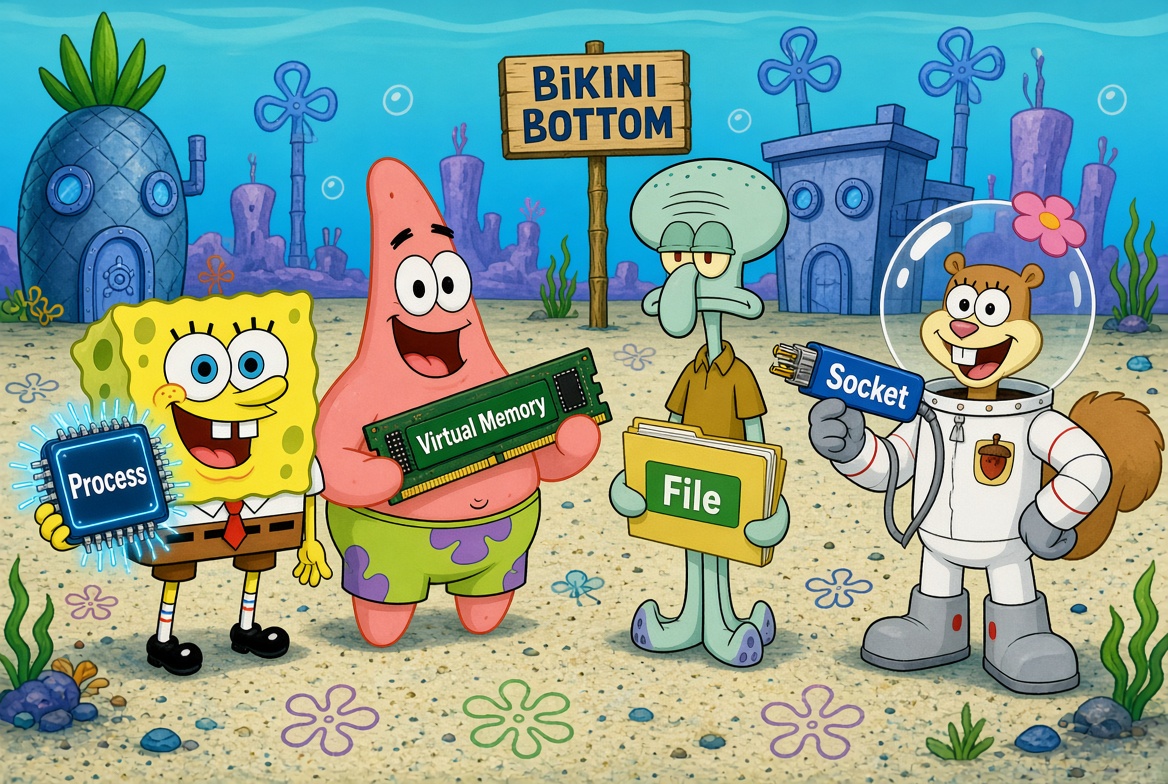
Hardware to Logical Abstraction
01 Batch Processing
Collect the jobs, run them all, no interruptions
Core Concept & Flow:
Jobs collected and executed in batches without user interaction during execution.
Highly efficient for large, repetitive non-interactive tasks.
Poor response time; errors discovered late at batch end.
Practical Examples: Payroll processing, student grade processing, bill printing.
Industrial Conveyor Batch Scene
Patrick stands outside a locked fence waiting for a long queue of papers to finish processing inside a heavy CPU machine. A giant slow-moving clock on the wall highlights the long wait time!
02 Multiprogramming
While one fish waits, another one swims!
Mechanism:
Multiple programs reside in memory simultaneously. When the currently running program (P1) pauses to wait for an I/O operation (e.g., disk read), the OS context-switches the CPU to run another ready program (P2).
Maximize CPU utilization & eliminate idle CPU waiting time.
Memory management, scheduling, and program protection.
Memory Booth CPU Sprint
Inside a giant Memory Room with glass booths, P1 shows a red "Waiting for I/O" light. SpongeBob as the CPU manager instantly sprints over to booth P2 with a green "Running" light!
03 Multitasking
Many tasks, one CPU, super-fast costume changes
Concurrent Progress Experience:
Logical extension of multiprogramming. The OS rapidly switches the single CPU core among multiple runnable processes/threads so quickly that users feel all applications are running simultaneously.
High-speed time slices create seamless user concurrency.
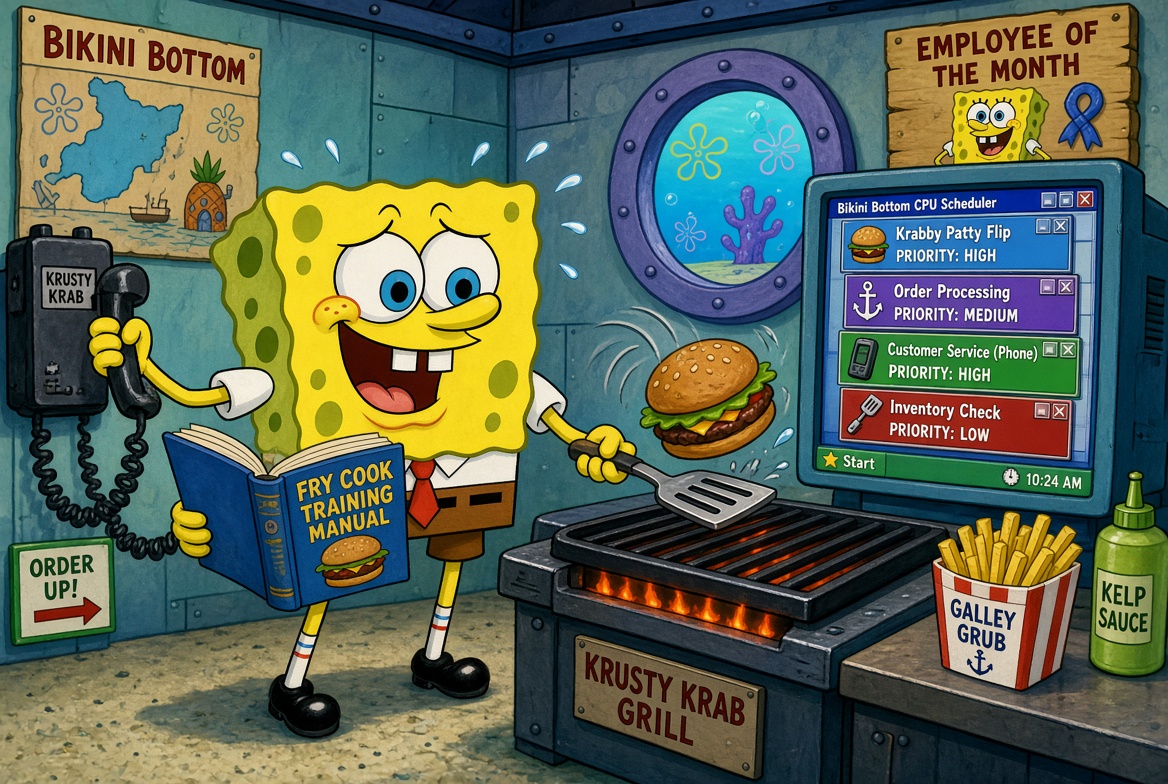
SpongeBob Motion Blur Scene
SpongeBob moves so fast he appears as a blur operating three screens at once (Squidward's browser, Patrick's music player, Sandy's IDE). Mr. Krabs holds a stopwatch showing lightning switches!
04 Time-Sharing
Everyone gets a slice of CPU cake — one quantum at a time
Interactive Multi-User Computing:
Designed specifically for interactive multi-user/multi-tasking systems. Each active user or process receives a small fixed CPU time slice called a Time Quantum.
Goal & User Perception:
Rapid rotation ensures fast response times. Every connected user feels as if they have exclusive access to the CPU!
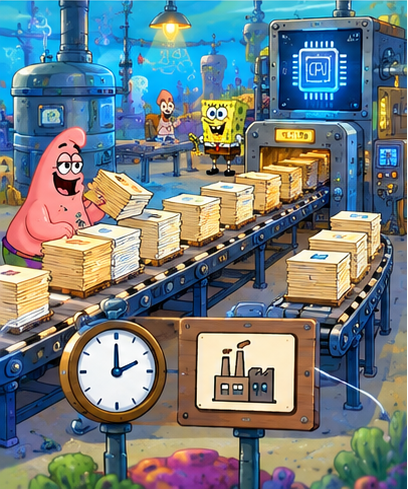
The Equal Spotlight Stage
SpongeBob, Patrick, Sandy, and Squidward sit on equal pedestals under a giant pie-chart clock. A single CPU spotlight shines on SpongeBob; as his tiny quantum slice finishes, the spotlight passes smoothly to Patrick!
CPU Scheduling & Round Robin
Who gets the CPU next? Take a ticket and wait your turn!
The CPU Scheduler:
Selects which ready process in memory gets the CPU next.
Common algorithms: FCFS, SJF, Priority, and Round Robin.
Round Robin (RR) Algorithm:
Preemptive scheduling algorithm where processes take circular turns with a fixed time quantum. Fair and optimal for interactive time-sharing systems.
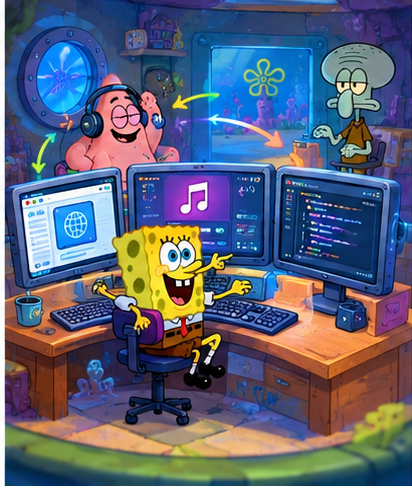
Circular Race Track Scene
Three karts (P1, P2, P3) move in a circular track around a glowing CPU core trophy. SpongeBob acts as race referee blowing the whistle when a kart's quantum timer runs out!
Process vs Program & Process States
Passive entity stored on disk (instructions, executable file).
Program in execution — active entity with CPU counter, registers, memory state, and allocated resources.
Five Process States:
- 1. New: Being created
- 2. Ready: Waiting for CPU
- 3. Running: Executing on CPU
- 4. Waiting: Blocked for I/O
- 5. Terminated: Finished
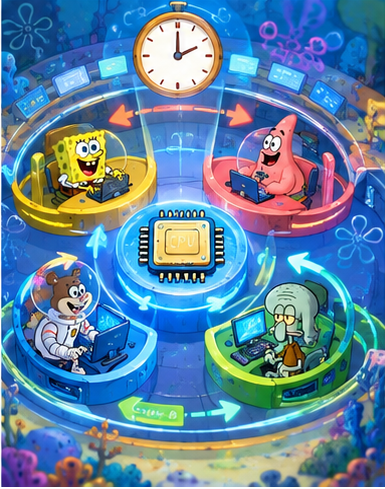
Train Station State Machine
SpongeBob brings a dusty static book (Program) to life with a hard hat (Process). He navigates 5 train platforms: New turnstile → Ready queue → Running inside CPU locomotive → Waiting bench at printer → Terminated exit gate!
Summary – We Survived Unit I! 🎉
Bikini Bottom Operating System Mastered!
Key Takeaways:
Grand Celebration Finale!
SpongeBob proudly holds the glowing OS emblem while Patrick, Sandy, Squidward, Mr. Krabs, Plankton, and Gary celebrate against the Bikini Bottom sunset sky!
Thank You! Questions?
PRESENTED BY Eyad Khatab • BCA – AI / ML